Help
Filamama Help
The guide to your home media server: installing it, backing up phones, the family's accounts, AI agents, and what to do when something goes wrong.
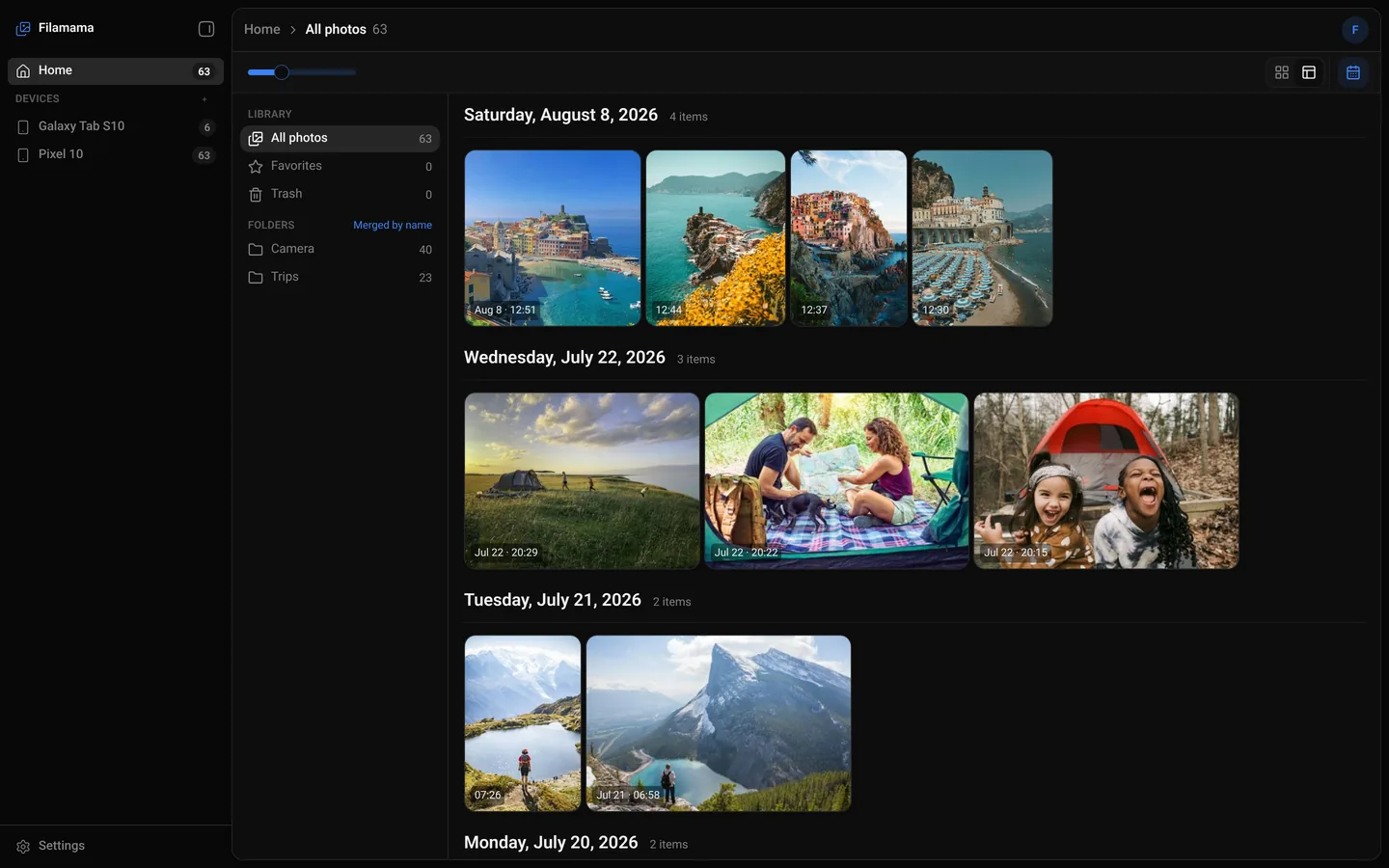
Install
Your first visit
Create the administrator
Open the server's address in a browser at home, accept its certificate, and set up the family.
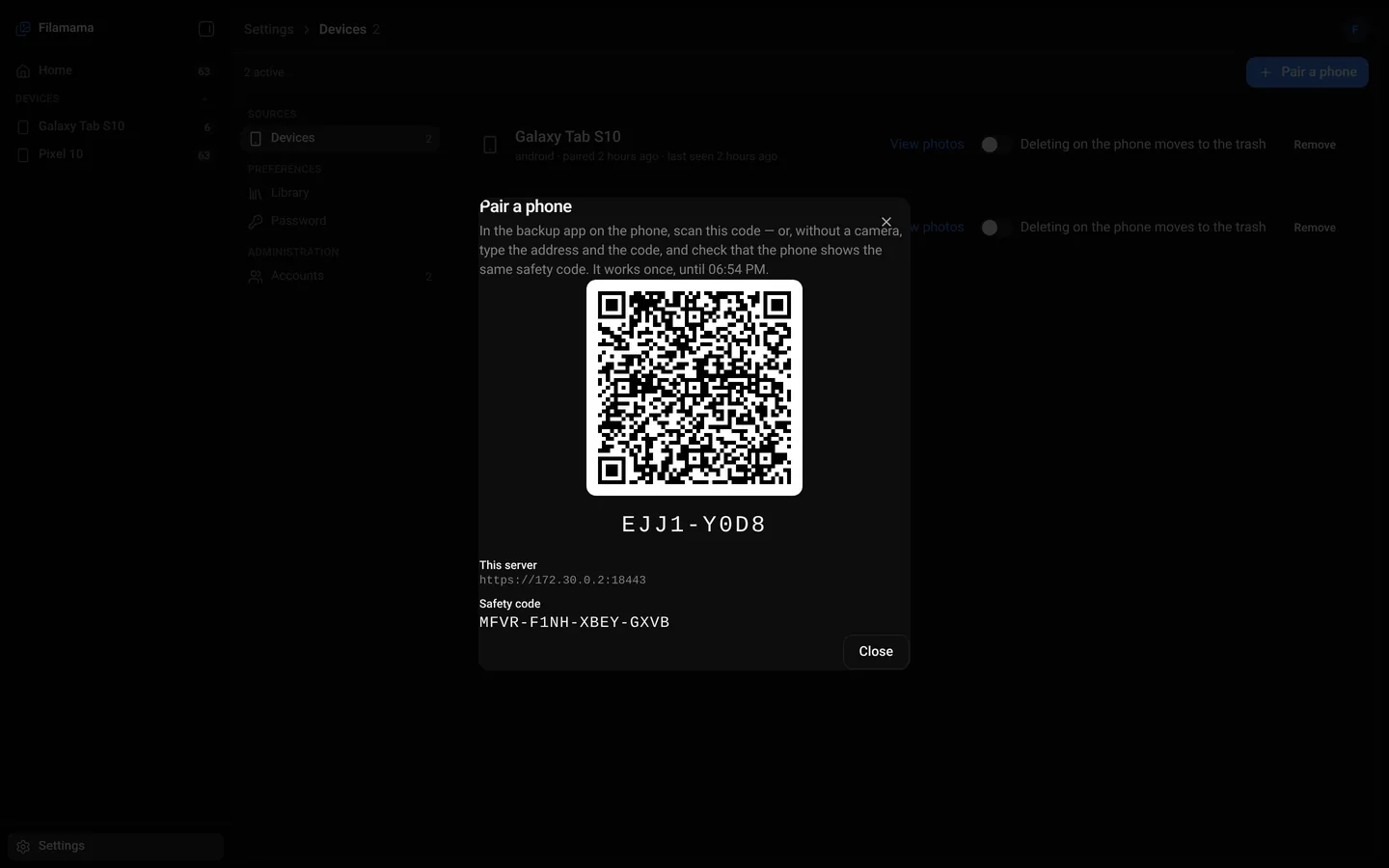
Phone backup
Pair a phone
One QR code, good for ten minutes
Piktures scans it and pins the server's key, then backs up on its own at home.
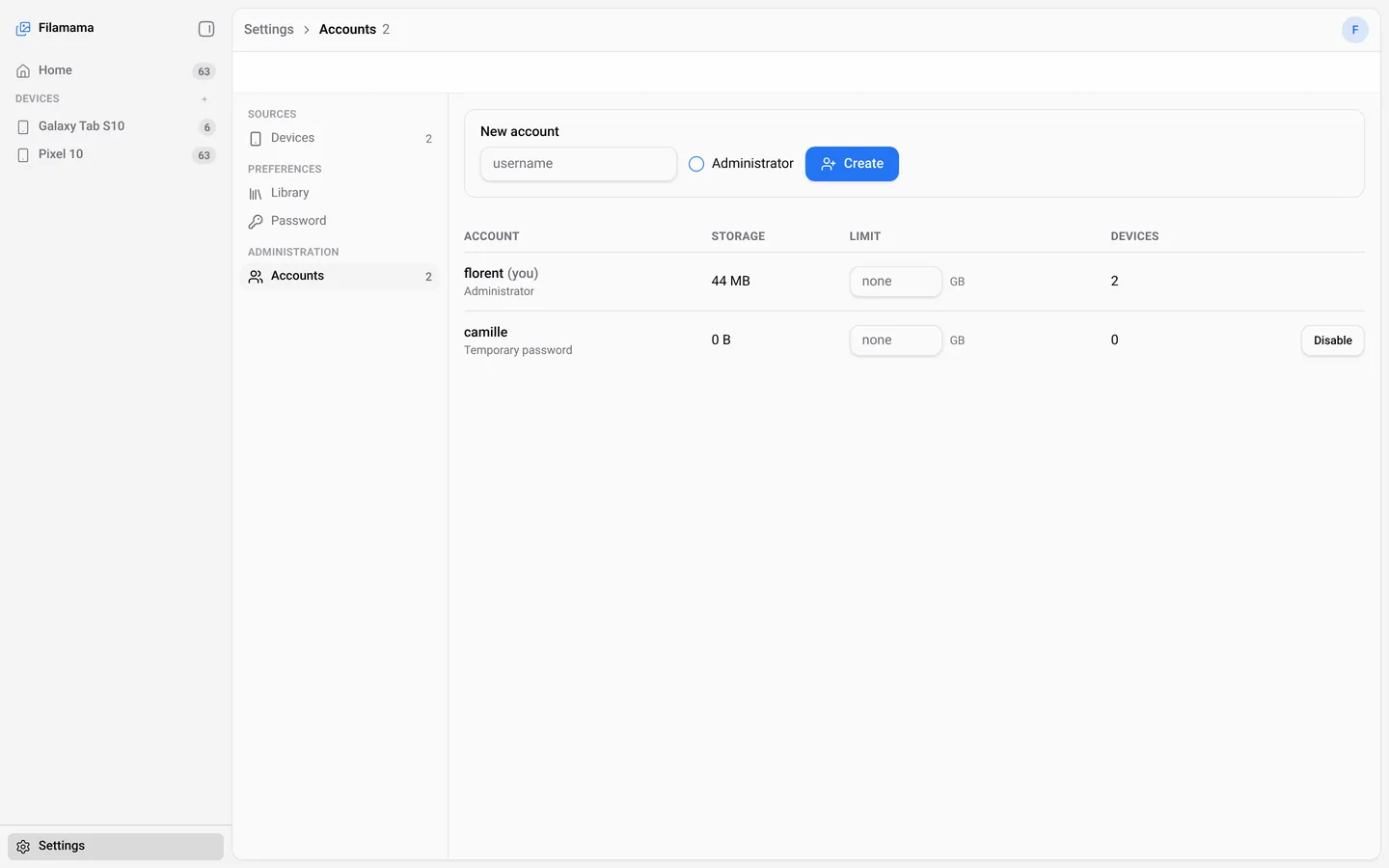
Accounts and sharing
One library per person
Accounts for the household
The administrator creates each account and can give it a storage limit.
AI agents
Let an assistant in
MCP, read-only by default
Make a token for one account under Settings › Agents and paste the configuration.
Every chapter
Filamama is free for a household, with no account to create with us. The public download is coming soon; the install guides show what it takes on each platform.
Search the manual
Search page titles and guides