


Fast
Thumbnails and the timeline come from your own machine over your own Wi-Fi. Nothing waits on the internet.
Home media server
Filamama is a home media server for your family's photos and videos. It's stunning, fast, easy to use, beautiful and free. It's agent friendly, and it comes with sync: your phone backs up to it on its own.
Free No subscription. No account with us. Public download coming soon.

Filamama is a free home media server. No subscription, no account with us, no device to buy. It runs on the computer you already have, and everyone at home opens their photos and videos in a browser.
Thumbnails and the timeline come from your own machine over your own Wi-Fi. Nothing waits on the internet.
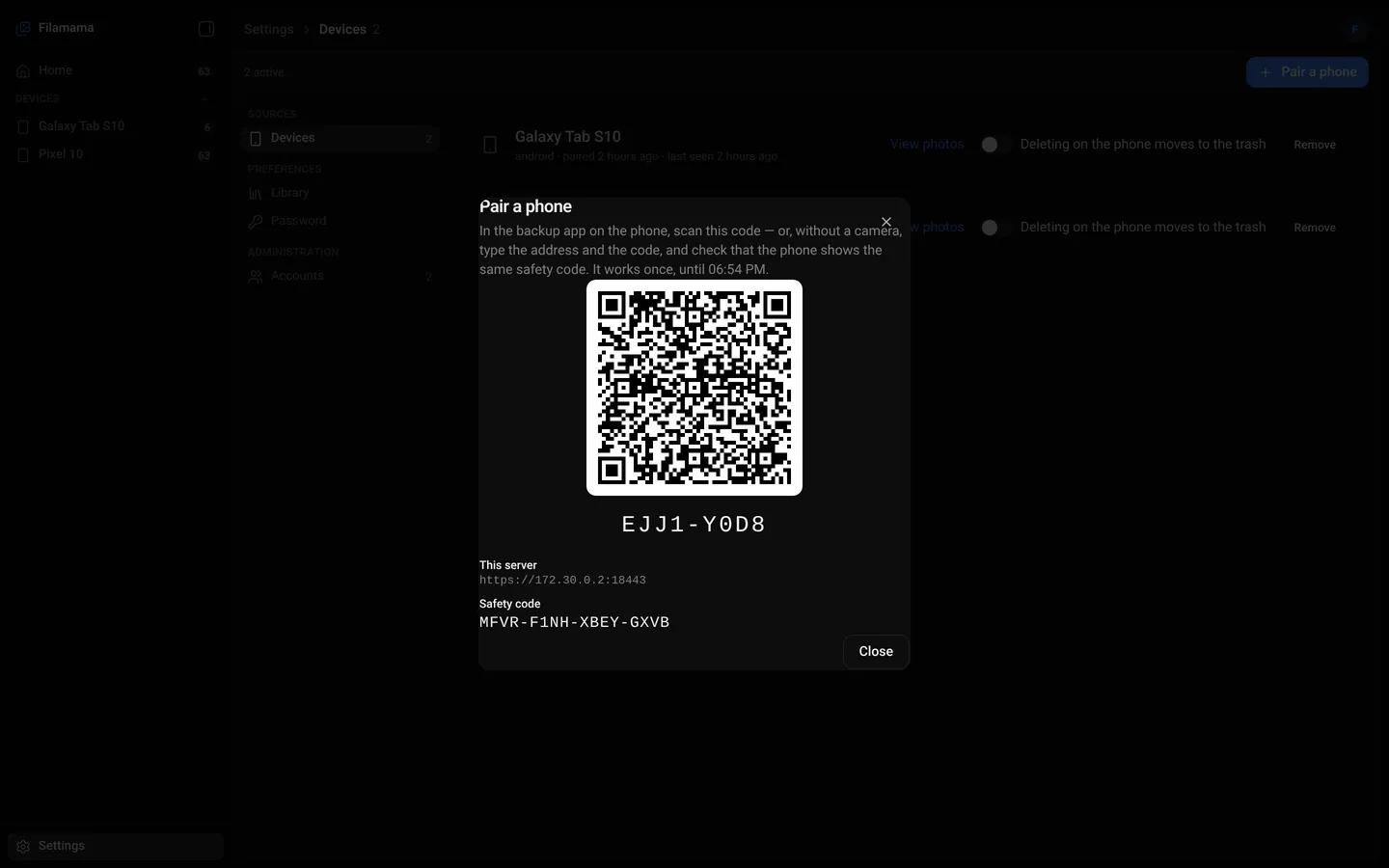
Install one program. Pair a phone with a QR code. Open the library in any browser at home.
Download it, run it, keep it. There is nothing to pay and no account to create with us.
How it compares
Filamama next to the self-hosted photo products people run at home, from each product's own docs. Where others are ahead, it says so.
YesNoPlanned— Not checked
| Feature | Filamama | Immich | Nextcloud Memories | PhotoPrism | Synology Photos | Umbrel Photos |
|---|---|---|---|---|---|---|
| Price | Free | Free | Free | Free + paid tiers | With a Synology NAS | Free |
| Install | Native, no Docker | Docker Compose | Nextcloud + app | Docker or tar.gz | Synology NAS only | Its own OS |
| Phone backup app | Android | Android, iPhone | Android, iPhone | Third-party apps | Android, iPhone | iPhone beta |
| Resumes broken uploads | To the byte | Not yet | By chunk | Not checked | Not checked | No |
| Outbound calls by default | None | Version check, maps | Update check | Maps, geocoding | Not checked | Update checks |
| Faces and smart search | Planned | Yes | With Recognize | Yes | Some models | Search, no faces |
No new device
One program and one database, next to everything else on the machine. No special hardware, no new operating system. The computer on your desk becomes the family's home media server.

The library
One timeline for every photo and video the phones back up. Switch to the mosaic, zoom the grid, open a photo and see where it came from. Videos play right in the browser.
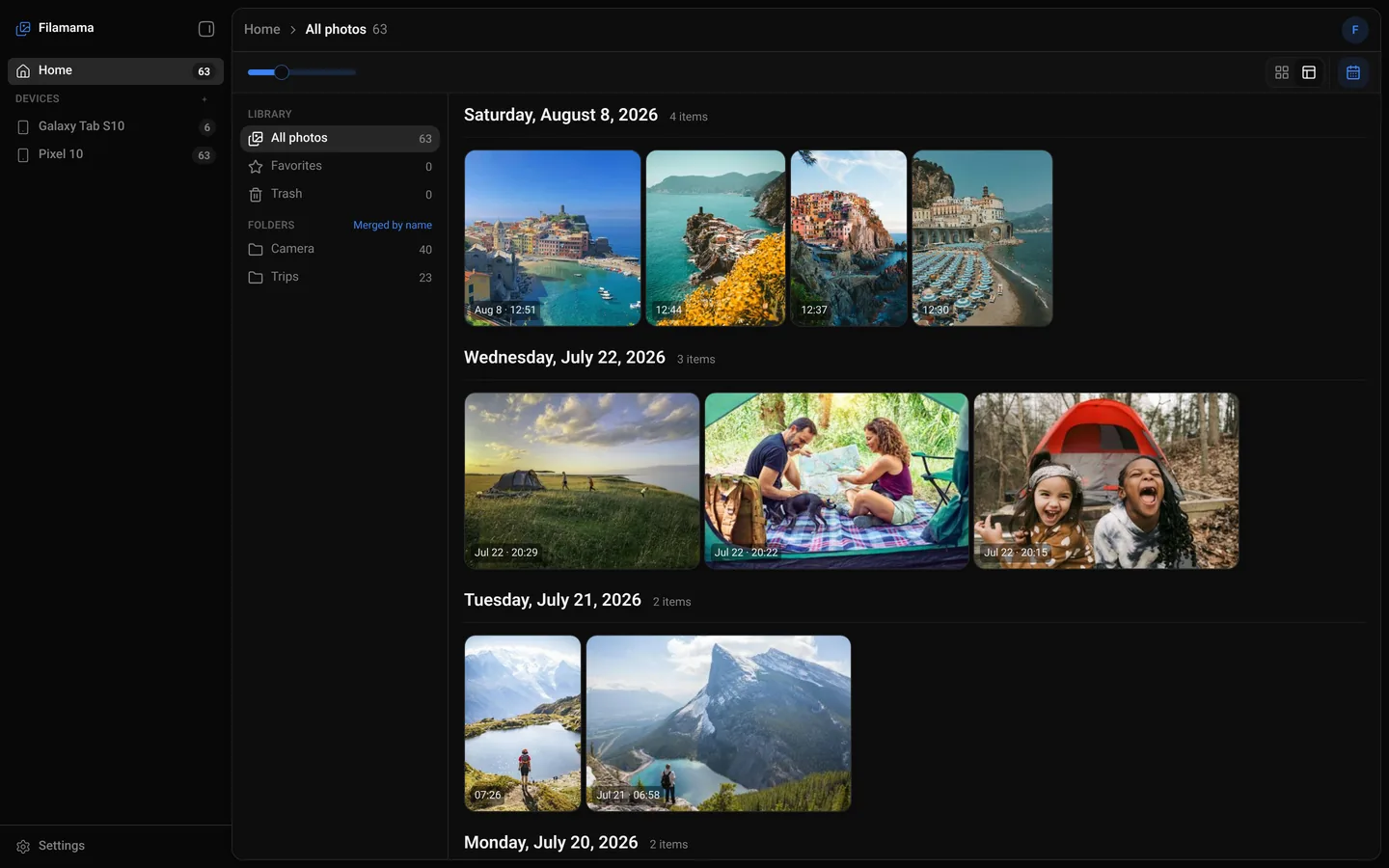

Date taken, size, camera, file name and the folders it belongs to, in a panel beside the photo.

Camera on the phone and Camera on the tablet show as one Camera folder. Each device still lists its own.

The same library in a light theme, for the people at home who like their screens bright.

The web library fits a phone screen, so anyone at home can browse without installing anything.

Slide between big tiles and a dense grid. Dates and counts stay in view.
Agent friendly
Filamama has an MCP server. An AI assistant on your home network, such as Claude Desktop, Cursor or Claude Code, can find, count and look at the photos in one person's library, with a token an administrator makes under Settings › Agents.
$ claude mcp add filamama \
    -e FILAMAMA_TOKEN=dms_agent_… \
    -- node ~/filamama-mcp.mjs \
    --server https://192.168.1.20:5400 \
    --pin 9f2c…
# then ask Claude: "What's in my photo library?"

$ dmsp backup ~/Pictures/Trips
{
  "files": 6, "known": 0, "linked": 6,
  "sent": 0, "failed": [], "bytesSent": 0
}
Assistants connect through the filamama-mcp bridge, pinned to your server's key. It works with Claude Desktop, Cursor and Claude Code.
Each token is for one account. Writing (favourite, trash, restore) is switched on per token. Calls are rate-limited and logged for 90 days.
For scripts: pair, back up, report deletions and check the server, with JSON answers.

Sync included
Piktures, our Android app, backs up new photos and videos to your Filamama server on its own. Open it and see what is home already.
Built for households
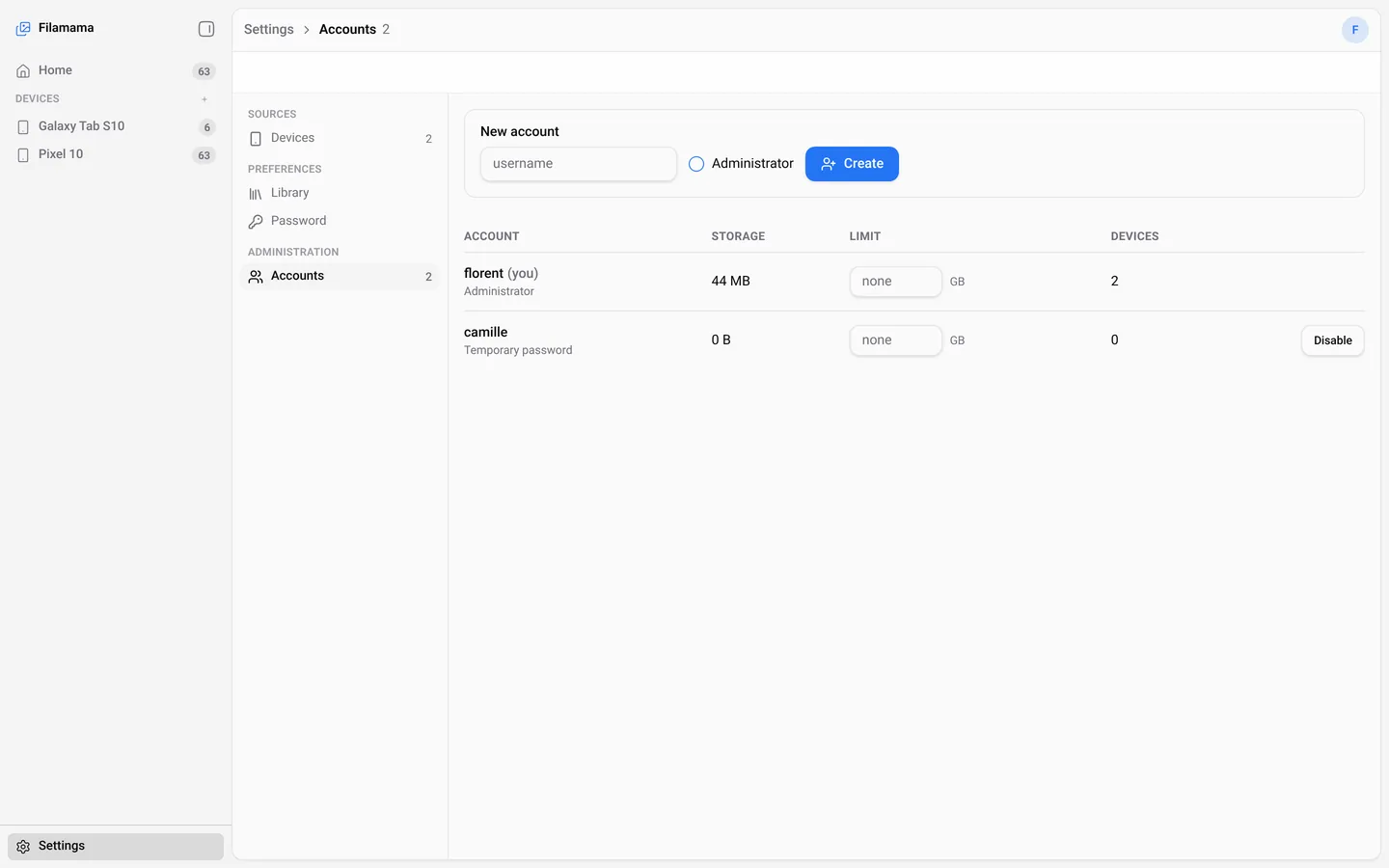
Each person at home has their own account and their own library: timeline, folders, favourites, trash, settings. An administrator creates accounts and can set a storage limit.
What happens when the Wi-Fi drops, and what never leaves the house.
Wi-Fi drops, the app gets killed, the phone restarts. The upload picks up at the exact byte where it stopped.
A file the server already has is linked, not uploaded again. Checked before any bytes move.
Scan the code in Piktures, or type the short code and check that the safety code matches. TLS everywhere, with the server key pinned on the phone.
The server talks to your devices on your network and to nothing else.
Filamama is young, and it is a home media server for photos and videos. These are not in it today, and we would rather say so here.
Yes, it's a home media server, but for the photos and videos your family takes. It doesn't organise movies, TV shows or music. See how it compares.
All three are photo servers you run at home. Filamama installs natively without Docker, resumes interrupted uploads at the exact byte, checks for duplicates before sending and makes no outbound calls. Immich and PhotoPrism recognise faces and share albums today; Filamama has those only as planned features. See the full comparison.
Yes. Free to download and use, with no subscription, no paid tier and no account to create with us. Filamama will be source-available; the licence comes with the first public release.
The public download is coming soon. Until then, the install guides show what it takes on each platform.


